What goes on a work order
- Work order number, date and scheduled date.
- Customer and job site, if the work happens somewhere else.
- Description of work: what is broken or what needs installing, in plain words.
- Assigned technician and priority, so the right person goes first to the urgent jobs.
- Parts and labor with quantities and prices.
- Customer signature confirming the work was completed.
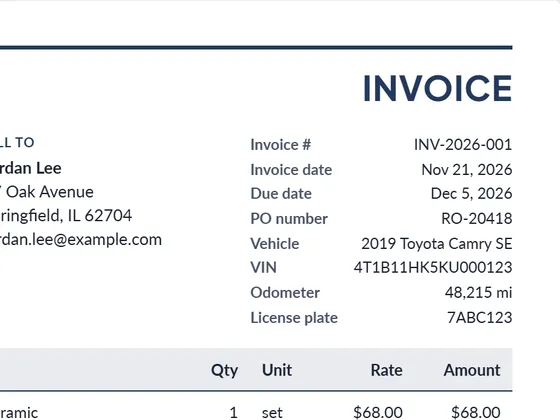
Print a blank work order for the van, or fill it in on a tablet on site and send the PDF straight away. After the job, switch the document type to invoice to bill the same parts and labor.
Frequently asked questions
Is a work order the same as an invoice?
No. A work order authorizes and documents the job; the invoice asks for payment afterwards. Many service businesses turn the completed work order into the invoice.
Can I print blank work orders?
Yes. "Blank PDF" creates an empty work order form with lines to fill in by hand.
Can I download it as Word or Excel?
Yes. Every document downloads as PDF, Word (.docx) and Excel (.xlsx). The Excel file keeps working formulas for line totals, tax and the grand total, so you can keep editing it offline.
Is it really free?
Yes. Creating and downloading documents is free and needs no account. Free documents carry a small "Created with PlanPrint" line at the bottom. Documents Pro removes it and adds a saved client and item library.
Guides
- What is a work order?
A work order authorizes and describes a job: what to do, where, who does it, by when and at what cost. Types, what to include, and work order vs purchase order.
- Estimate vs quote vs bid vs proposal
What separates an estimate, a quote, a bid and a proposal, when to send which, and what each document should contain. With a side-by-side comparison table.
- How to write an estimate customers say yes to
How to write a job estimate step by step: scope, line items, materials and labor, exclusions, validity date and payment terms, with a worked example.