Tips for construction invoices
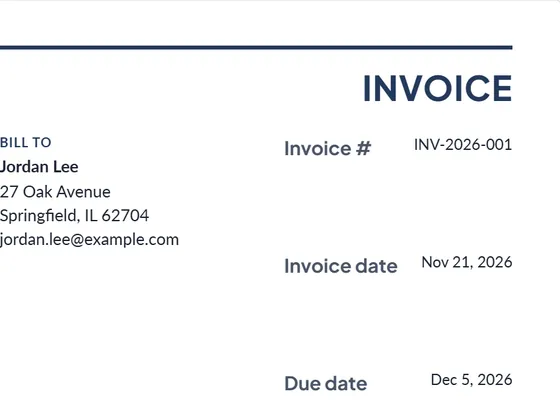
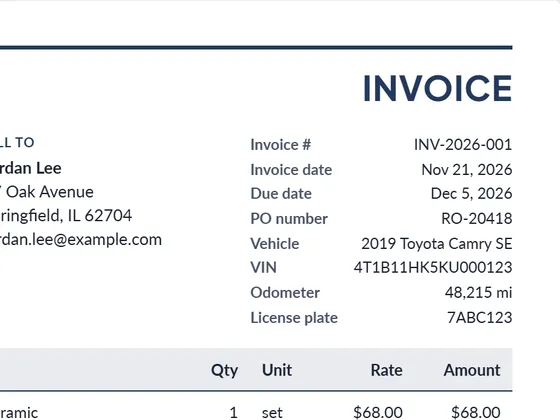
- Reference the estimate or contract in the PO / reference field so the client can match the invoice.
- Bill deposits and progress payments in "Amount paid", so the balance due is always clear.
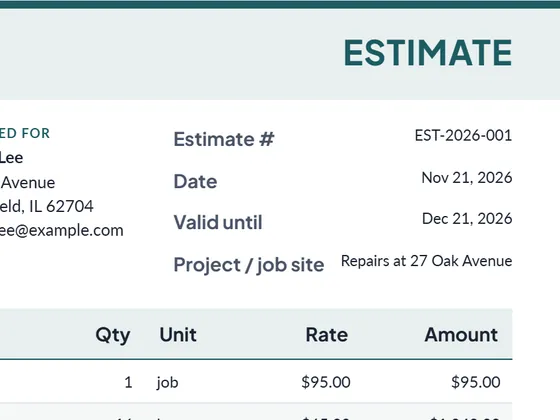
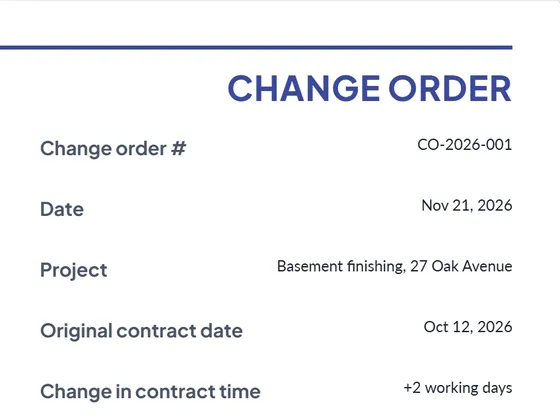
- Keep the same line items as your estimate, plus any approved change orders. No surprises means faster payment.
- Put payment terms and methods at the bottom: due date, bank transfer details or a payment link.
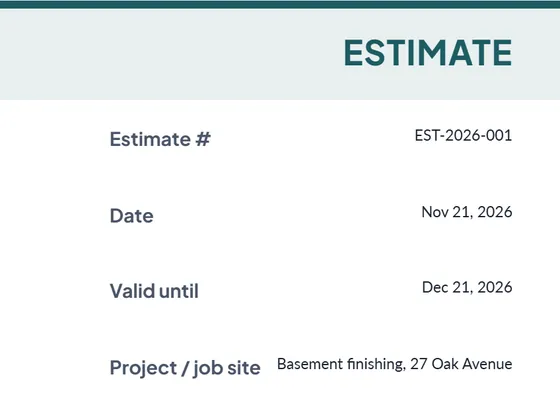
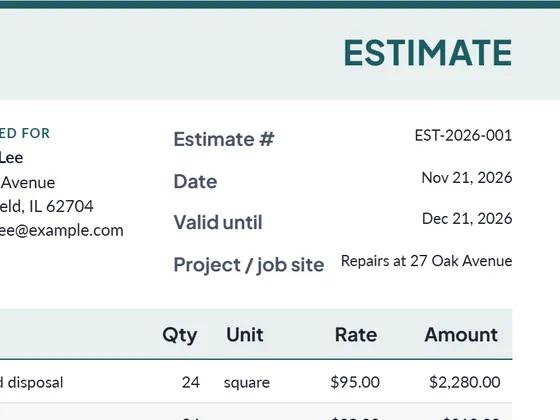
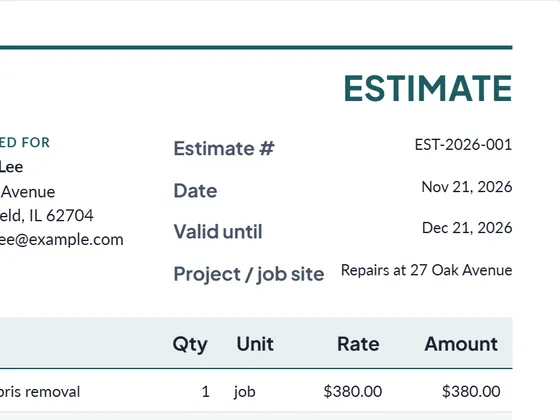
Starting a new job? Use the construction estimate template.
Frequently asked questions
How do I invoice a deposit and the final payment?
Send a first invoice for the deposit. On the final invoice list the whole job and enter the deposit in "Amount paid": the balance due is what is left.
Can I download it as Word or Excel?
Yes. Every document downloads as PDF, Word (.docx) and Excel (.xlsx). The Excel file keeps working formulas for line totals, tax and the grand total, so you can keep editing it offline.
Is it really free?
Yes. Creating and downloading documents is free and needs no account. Free documents carry a small "Created with PlanPrint" line at the bottom. Documents Pro removes it and adds a saved client and item library.
Is my data uploaded anywhere?
No. The generator runs in your browser. Your business details, logo and documents are stored only on your device so they are there next time.
Guides
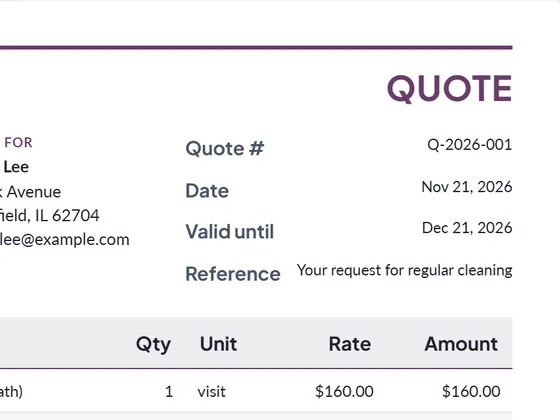
- Estimate vs quote vs bid vs proposal
What separates an estimate, a quote, a bid and a proposal, when to send which, and what each document should contain. With a side-by-side comparison table.
- How to write an estimate customers say yes to
How to write a job estimate step by step: scope, line items, materials and labor, exclusions, validity date and payment terms, with a worked example.
- Net 30 and 2/10 net 30 payment terms, explained
What net 30, net 15 and 2/10 net 30 mean, how to calculate the due date and the early-payment discount, and why skipping a 2% discount costs about 37% a year.