What to put on an estimate
- Your business details and logo, so the customer knows who to call.
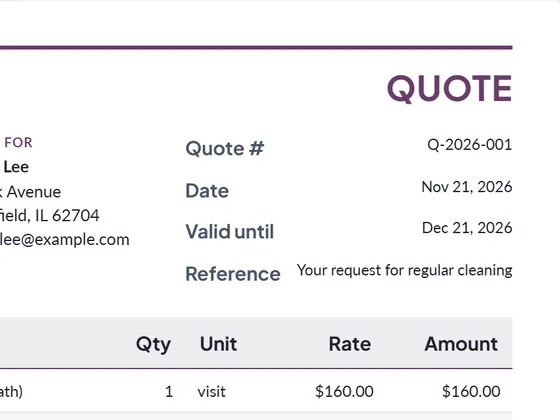
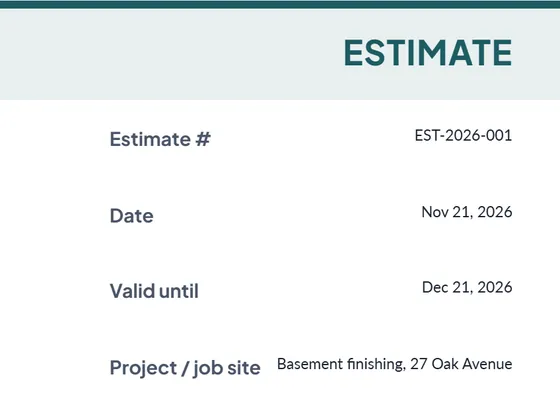
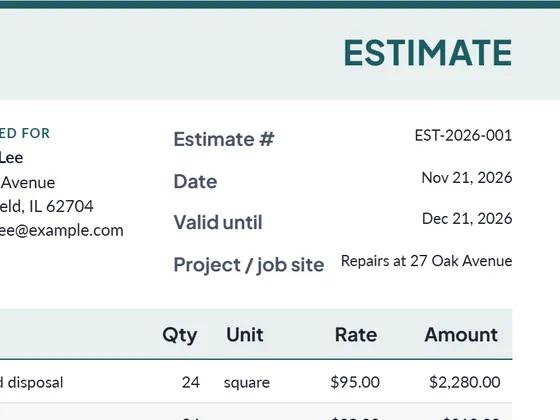
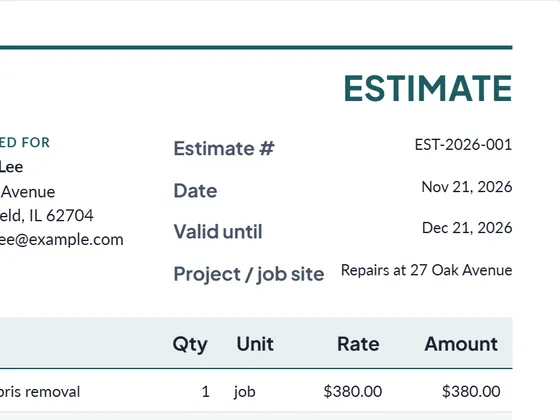
- Estimate number and date, plus how long the price is valid (30 days is common).
- The customer and the job site.
- Line items with quantity, unit and price: labor in hours, materials by unit or as a lot, fixed-price tasks as one line.
- Tax, discount and deposit, if they apply.
- Terms and an acceptance line: a signed estimate is your go-ahead to order materials and schedule the job.
Estimate, quote or bid?
An estimate is your best guess at the cost; the final invoice may differ if the work changes. A quote is a fixed price for a defined scope. A bid is a quote submitted in competition with others, usually for a larger project. Once the work is done, turn the estimate into an invoice with the same items in one click.
Frequently asked questions
How do I turn an estimate into an invoice?
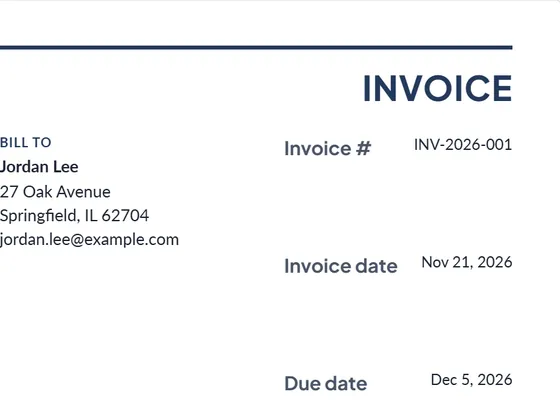
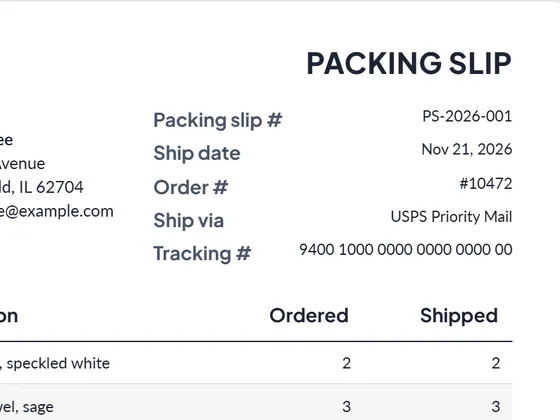
Press "Turn into invoice" under Next step. Your customer and line items stay, and the number, dates and wording change to an invoice. From the invoice you can then create a receipt or a packing slip the same way.
Can I download it as Word or Excel?
Yes. Every document downloads as PDF, Word (.docx) and Excel (.xlsx). The Excel file keeps working formulas for line totals, tax and the grand total, so you can keep editing it offline.
Is it really free?
Yes. Creating and downloading documents is free and needs no account. Free documents carry a small "Created with PlanPrint" line at the bottom. Documents Pro removes it and adds a saved client and item library.
Is my data uploaded anywhere?
No. The generator runs in your browser. Your business details, logo and documents are stored only on your device so they are there next time.
Guides
- Estimate vs quote vs bid vs proposal
What separates an estimate, a quote, a bid and a proposal, when to send which, and what each document should contain. With a side-by-side comparison table.
- How to write an estimate customers say yes to
How to write a job estimate step by step: scope, line items, materials and labor, exclusions, validity date and payment terms, with a worked example.
- How to number invoices
Simple, unique invoice numbering schemes for small businesses: plain sequence, year prefix, client codes, what to do with voided invoices, and the EU rule.